Step 1: Login into the AWS environment using provided credentials.
Step 2: Create VPC Provide CIDR block and name it.
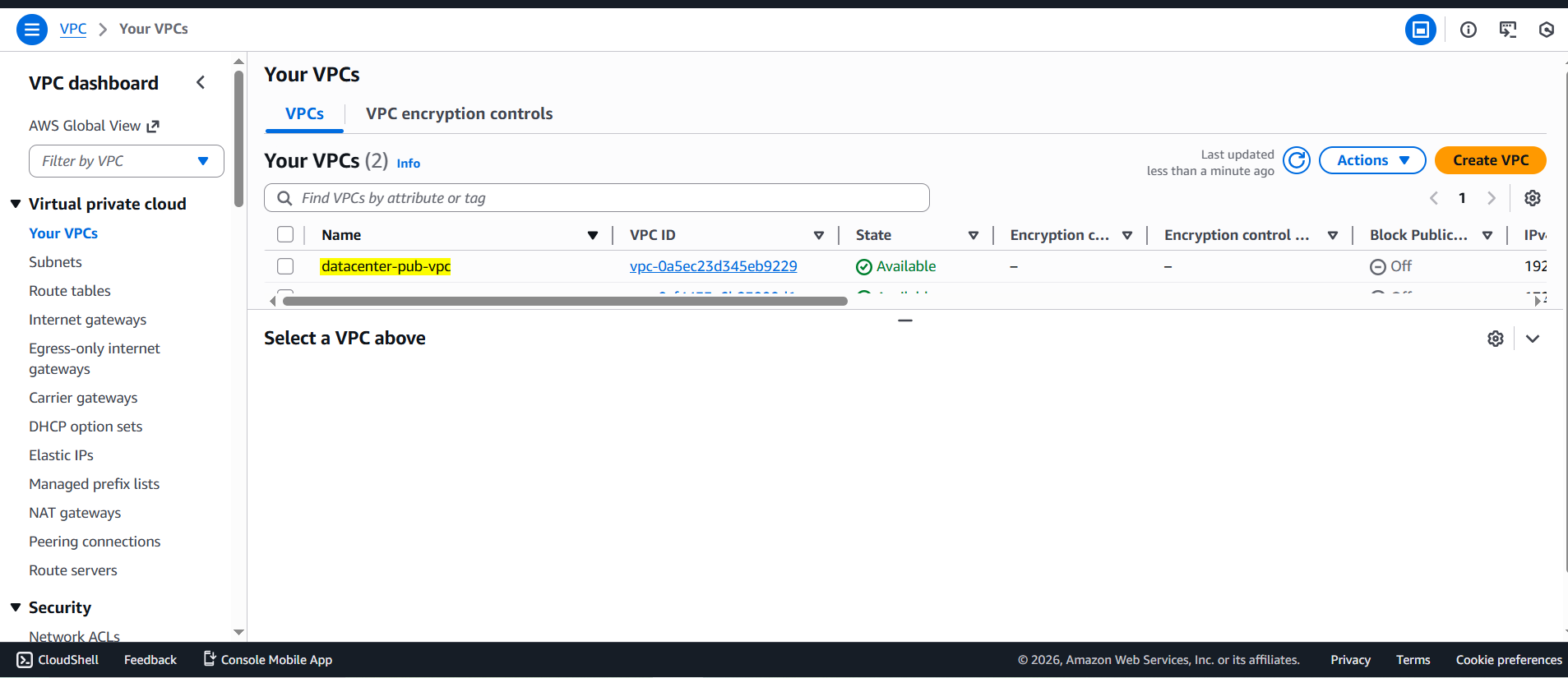
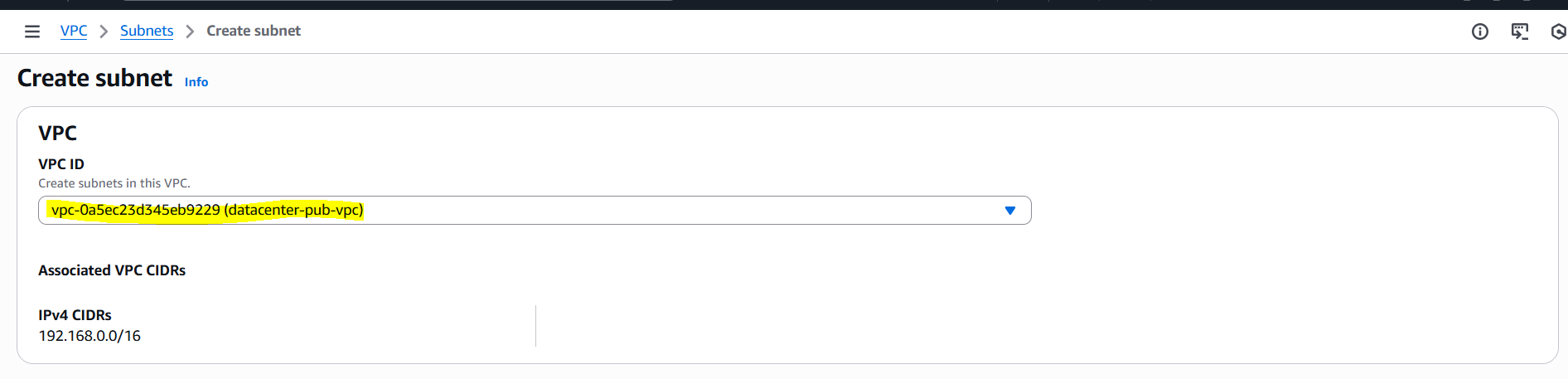
Step 3: Create Subnet and Select VPC.
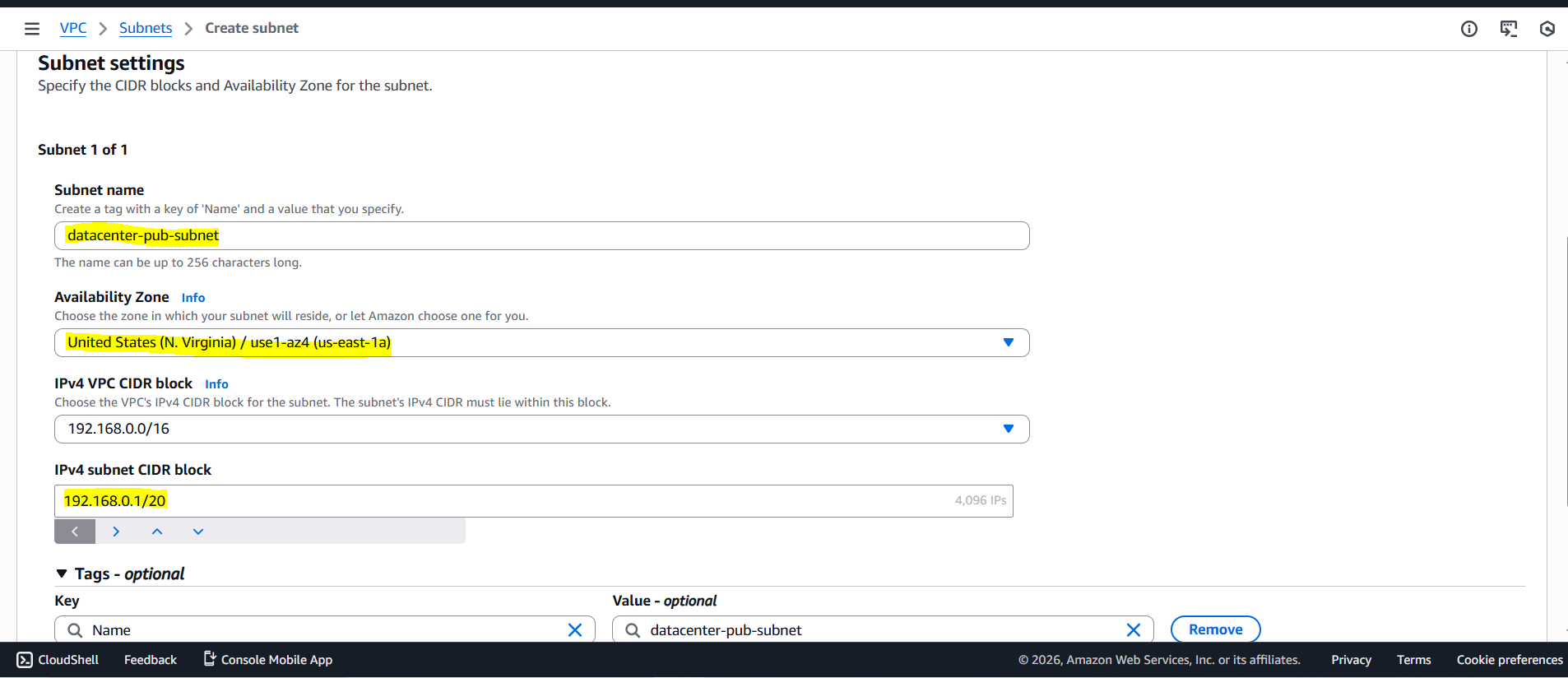
Step 4: Name the subnet, select availability zone(same as EC2 instance) and provide CIDR block within the VPC range and auto assign IP is enabled.
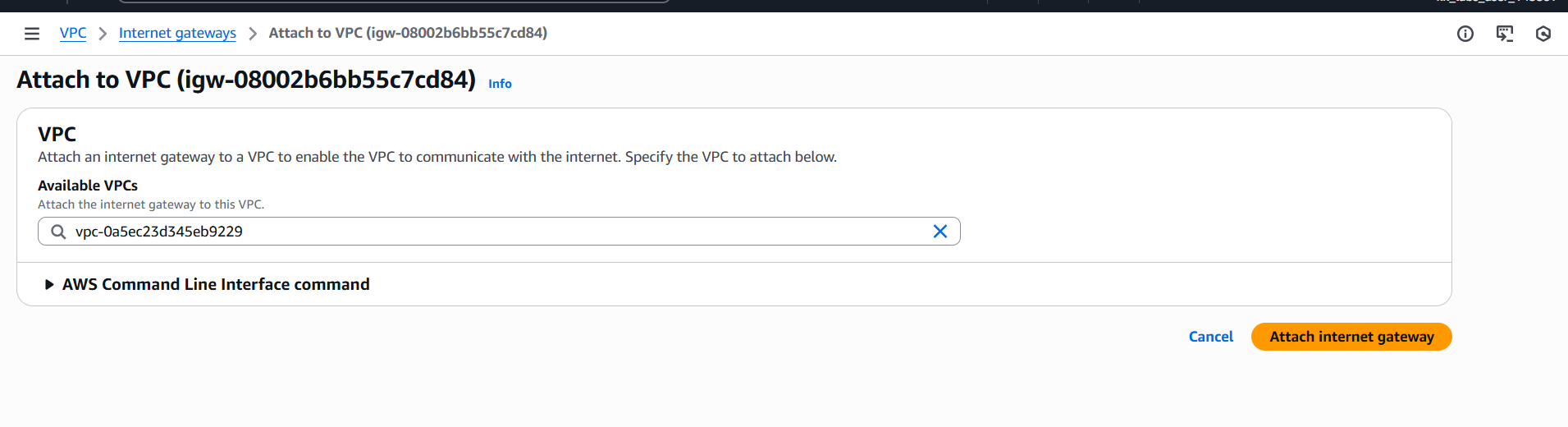
Step 5: Create Internet Gateway, attach to VPC and then add to route table.
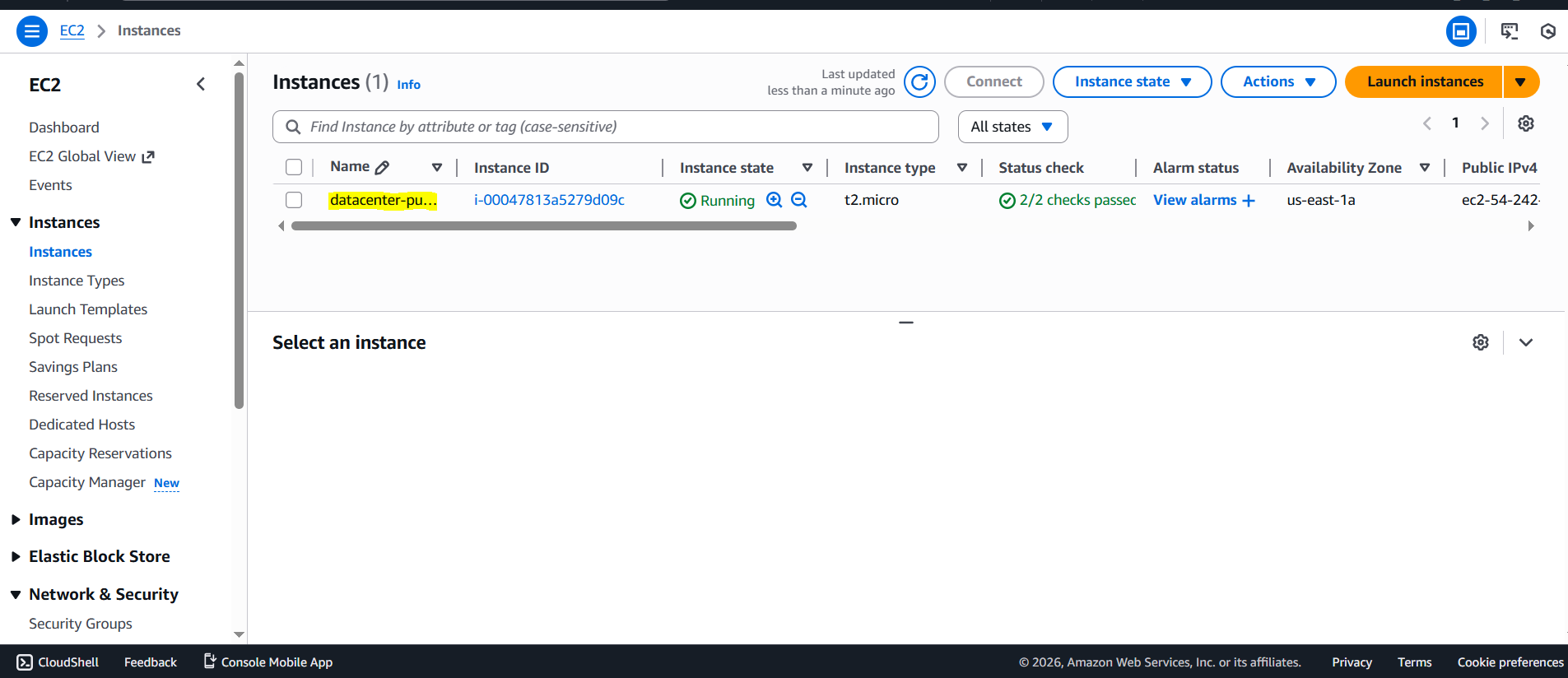
Step 6: Create EC2 instance, select the created VPC and make sure port is 22
Comments
Join the discussionNo comments yet. Be the first to comment.