Step 1: Login into the AWS environment using provided credentials.
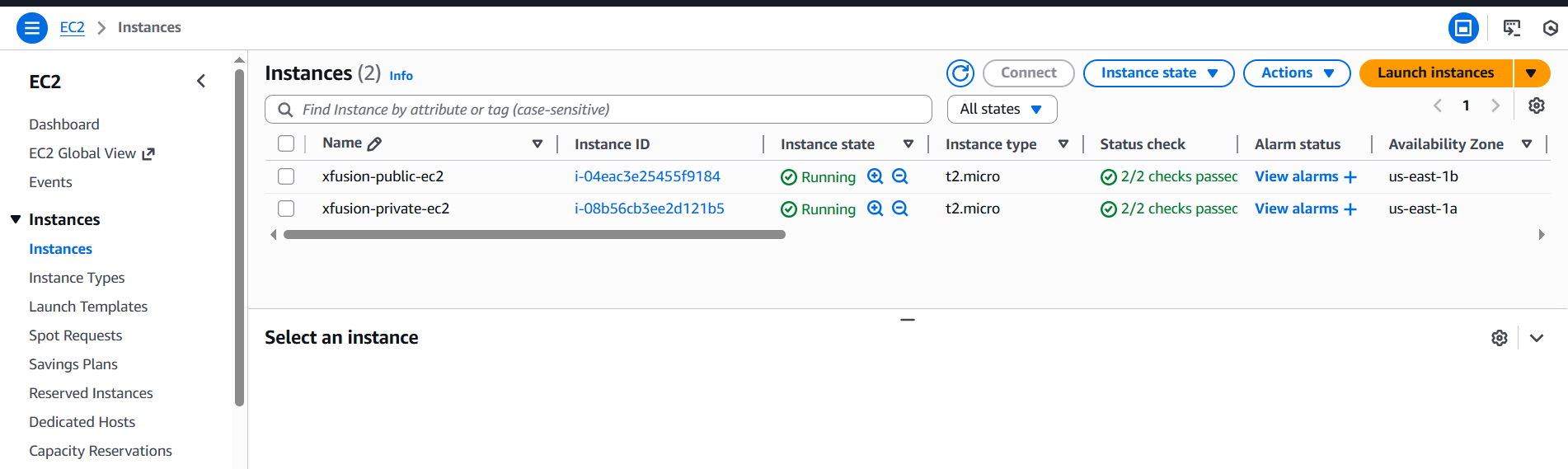
Step 2: Go to EC2 section and you should see existing instance shown below.
Step 3:
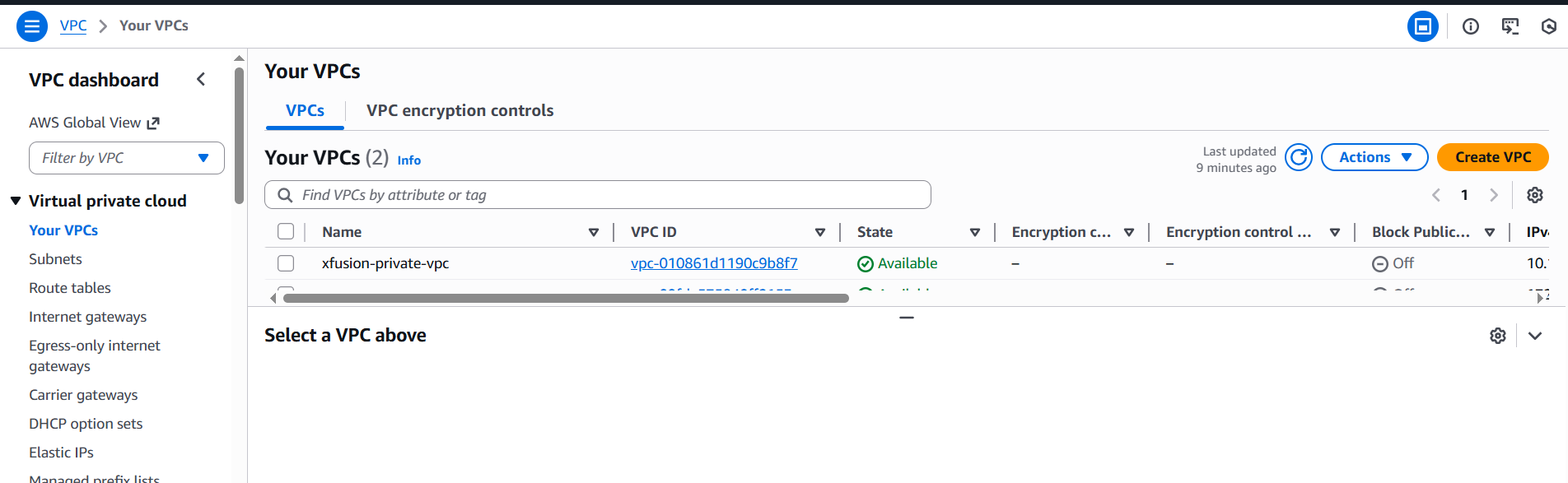
Go to VPC section and you should see existing VPCs default and private shown below.
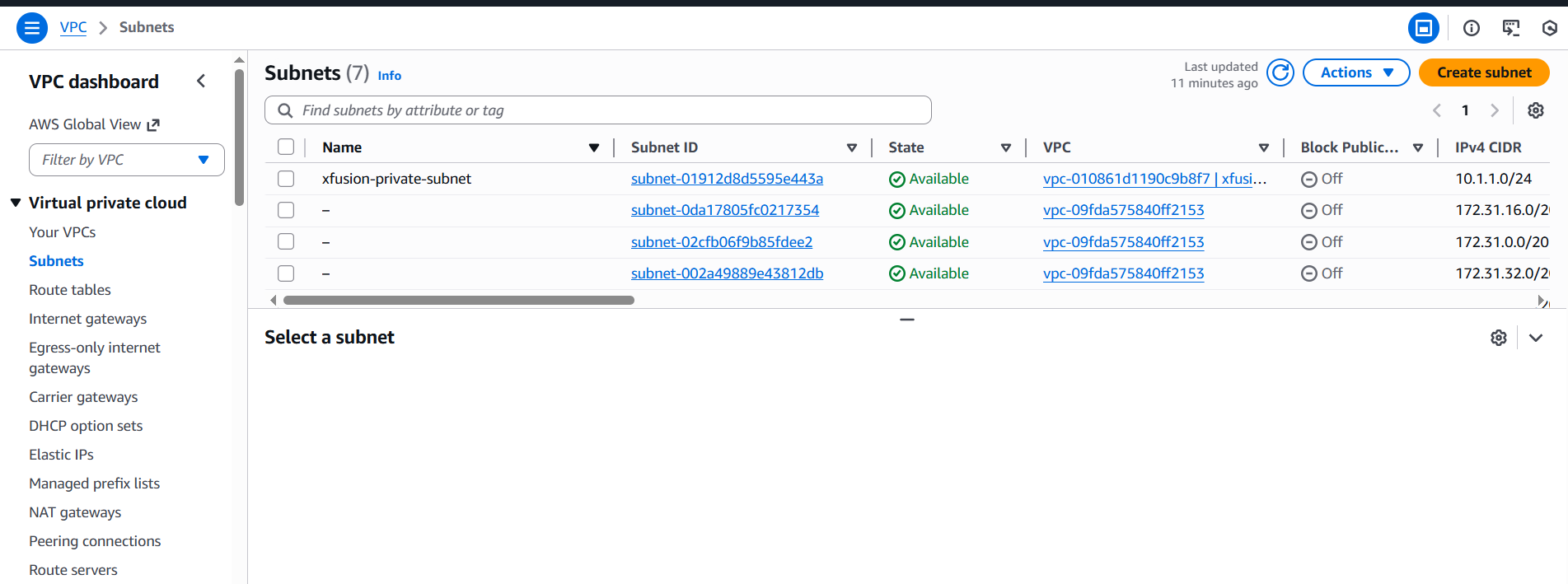
Go to Subnet section and you should see existing private Subnet shown below.
Step 4:
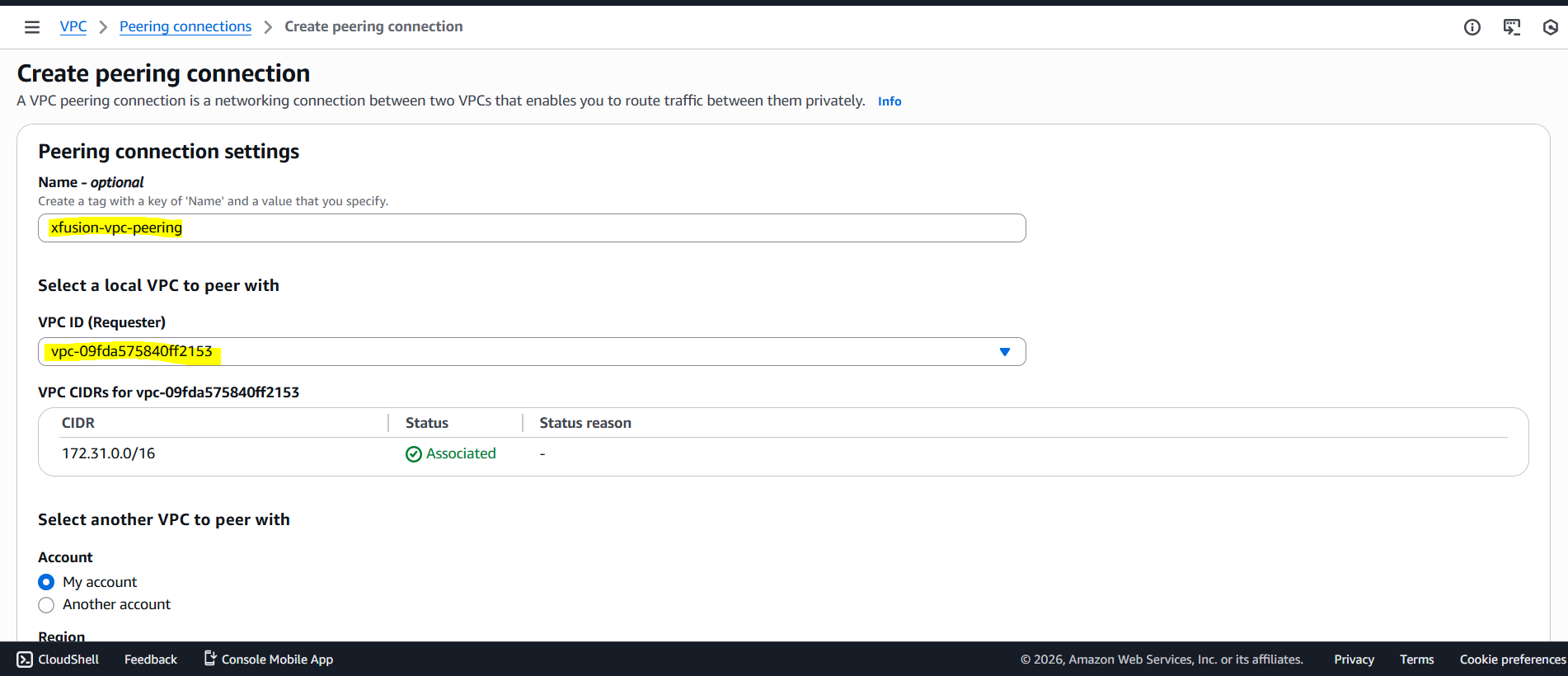
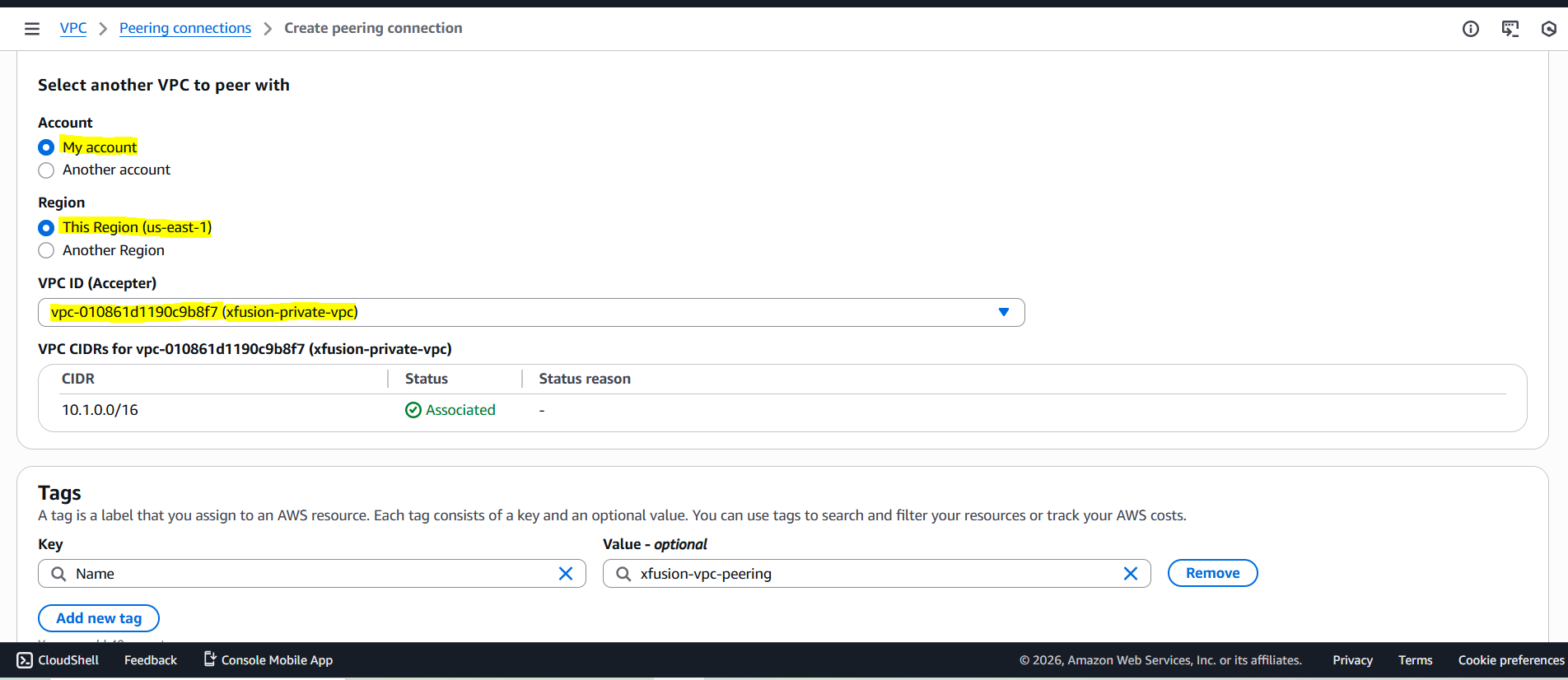
Creating connection between Default and Private VPC using VPC Peering.
Name it, select Default VPC as requester and Private VPC as accepter.
Step 5: After creation Accept the peering request as it is in same Account.
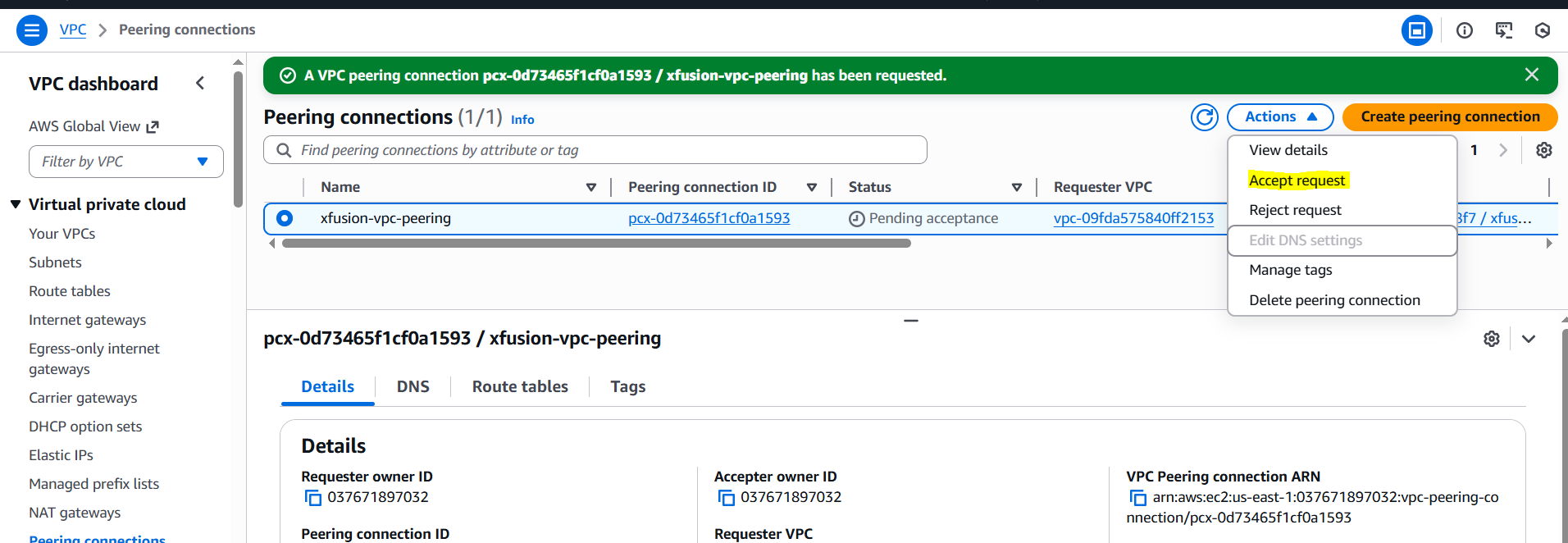
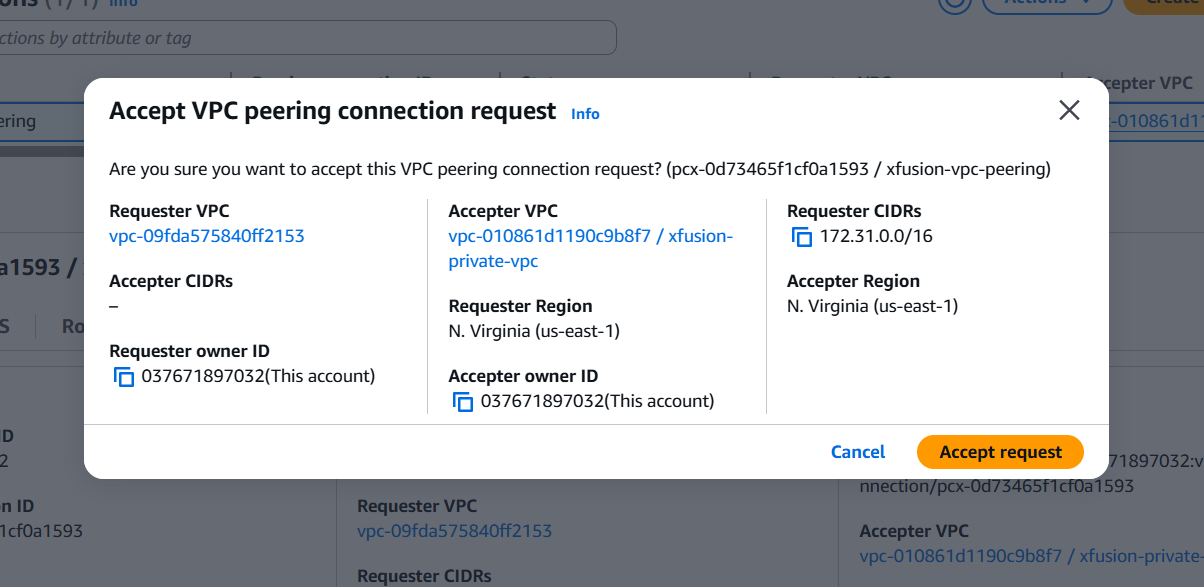
Step 6:
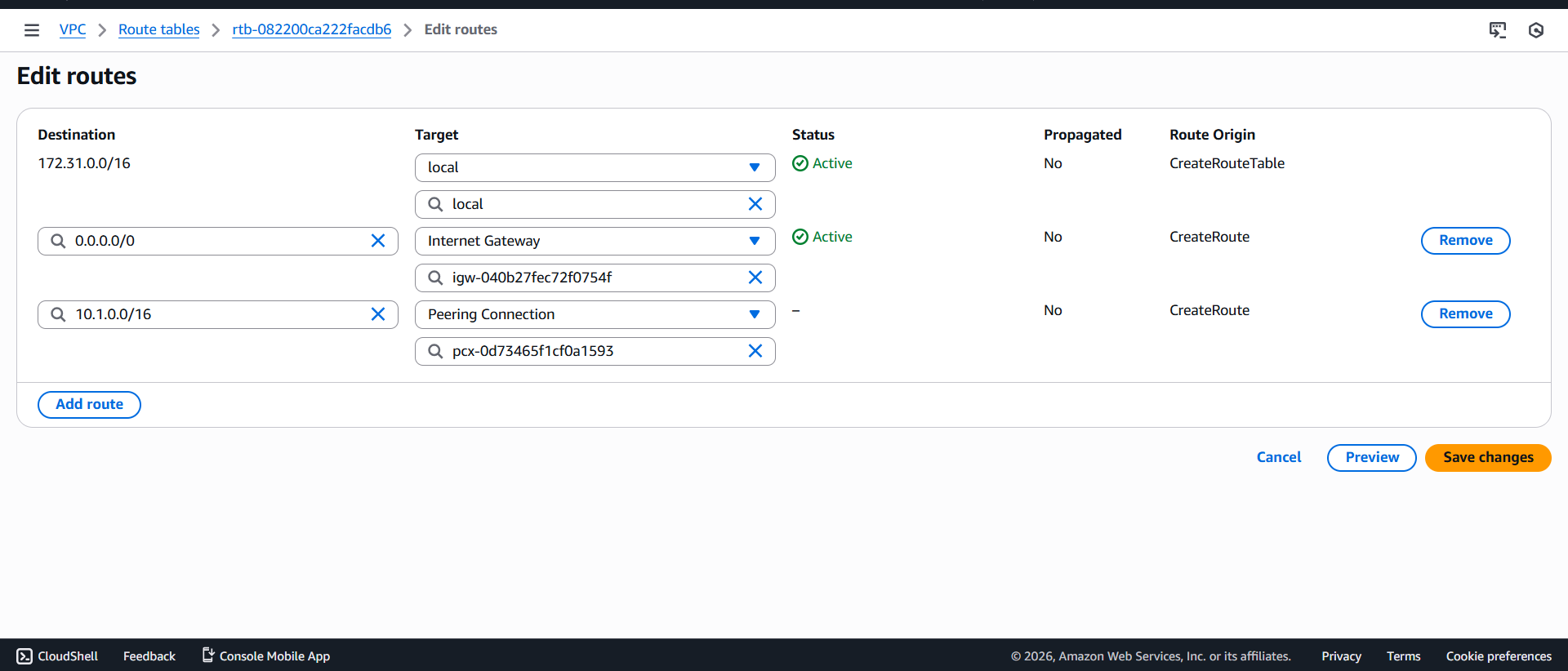
- Edit Private VPC route table and add Default VPC CIDR.
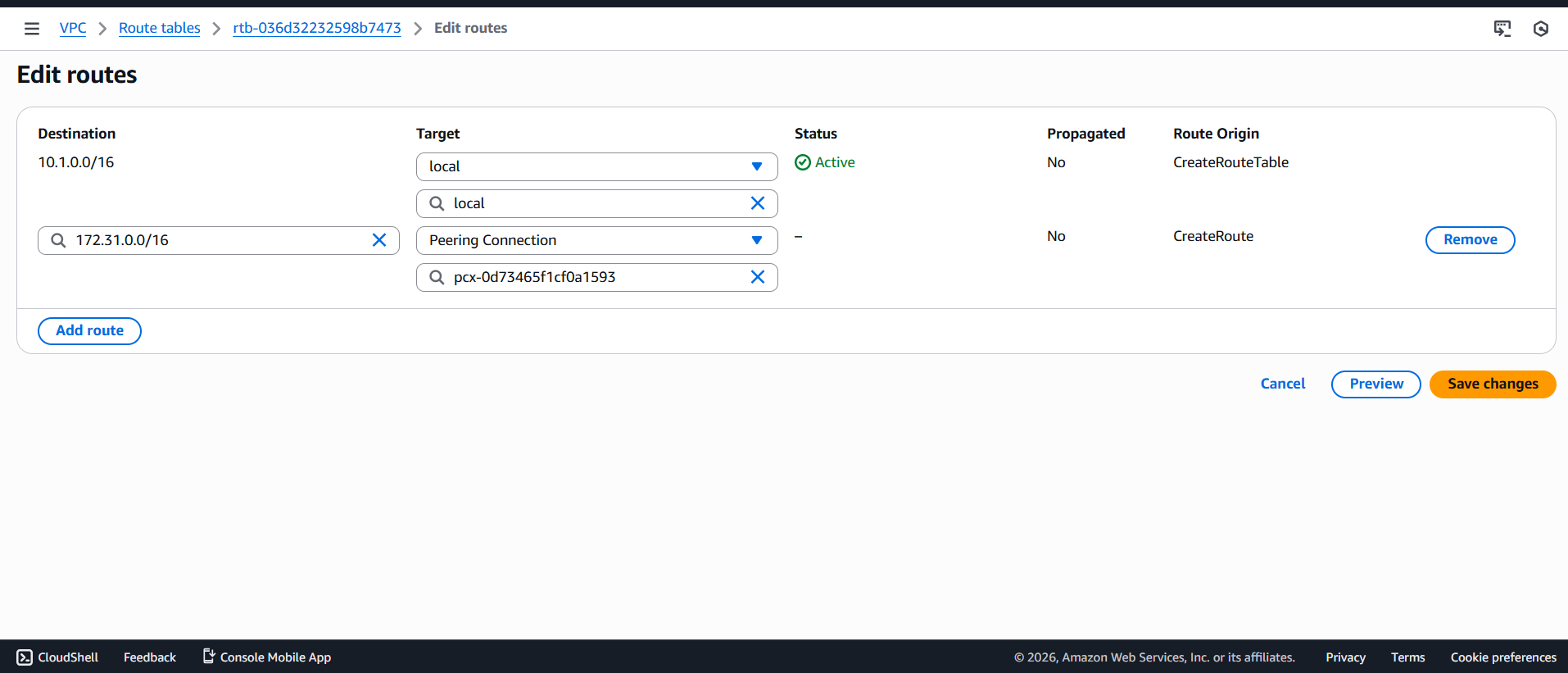
- Edit Default VPC route table and add Private VPC CIDR.
Step 7:
Go to Reachability Analyzer
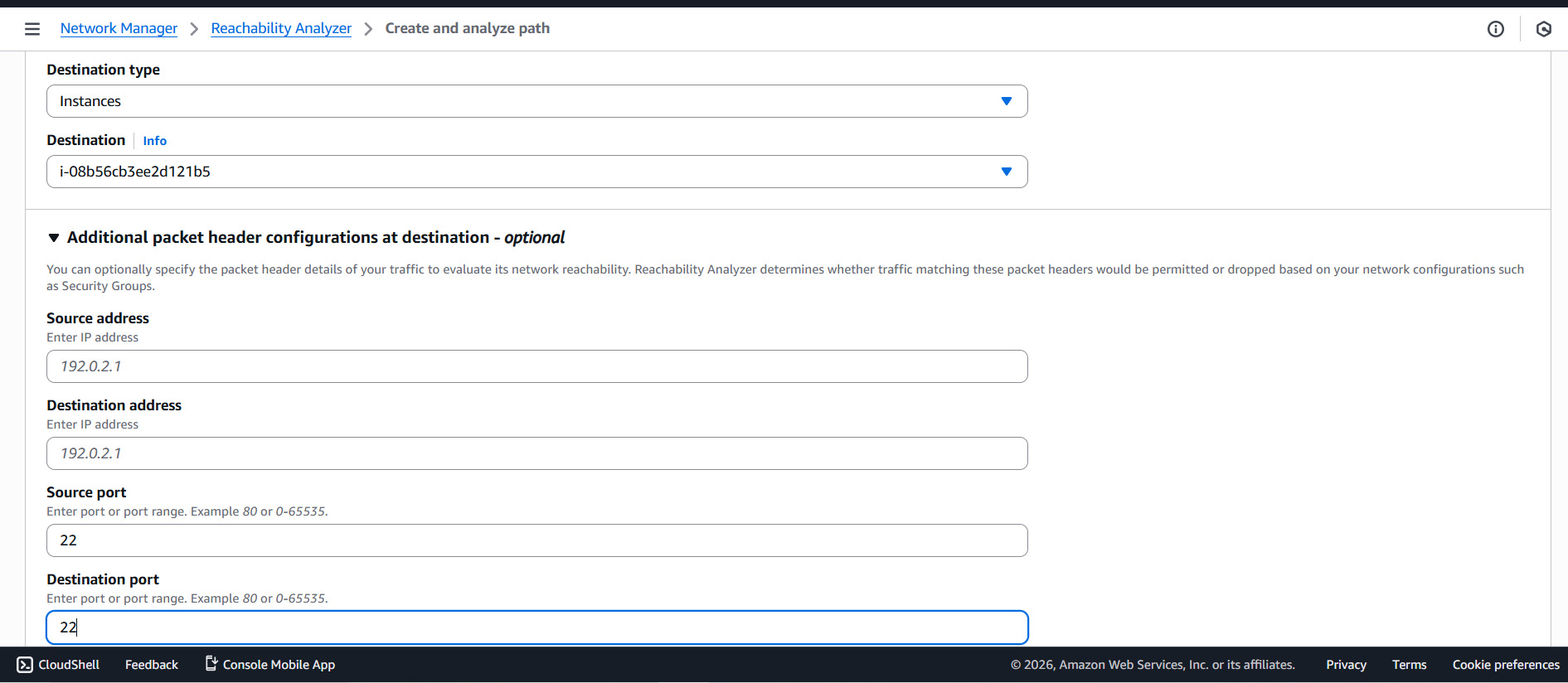
Name it, select path source = public instance id
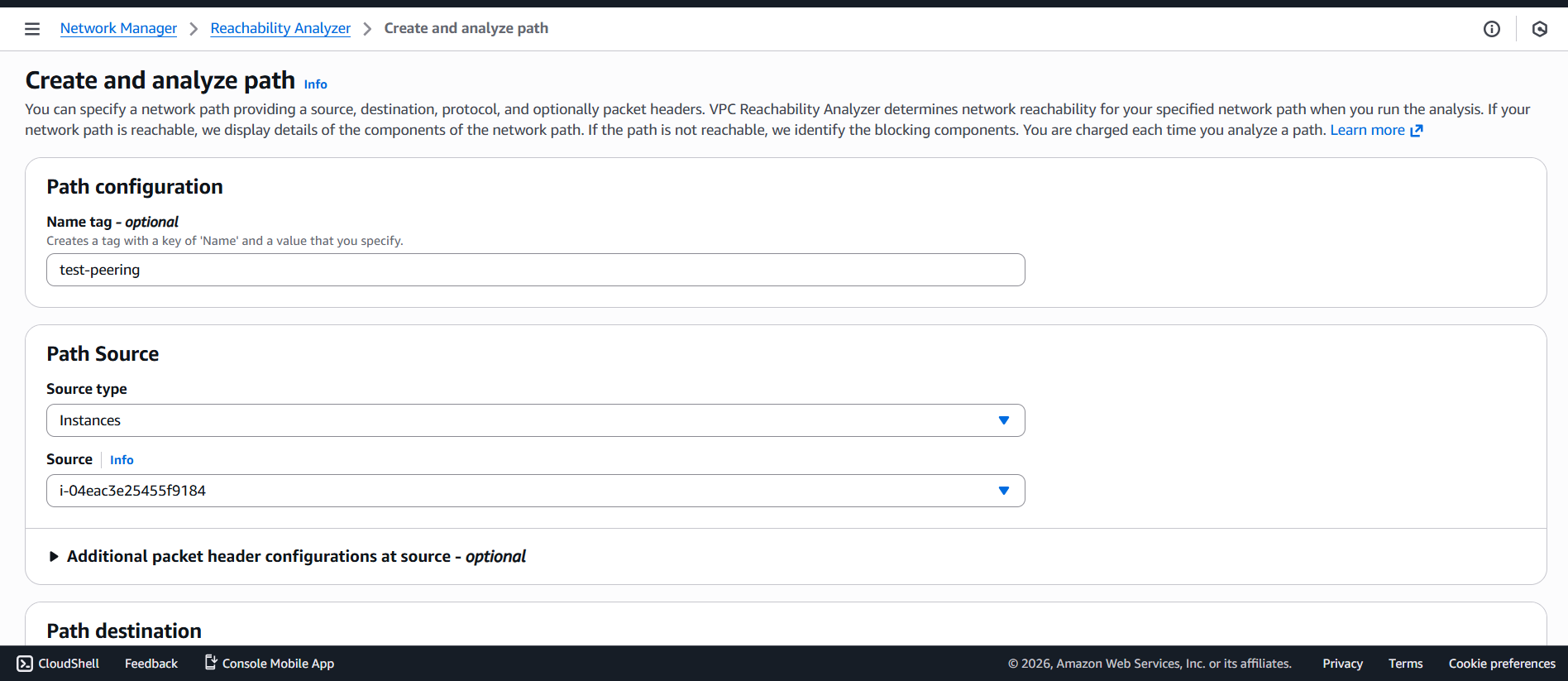
- destination path = private instance id, source port and destination port = 22.
Step 8:
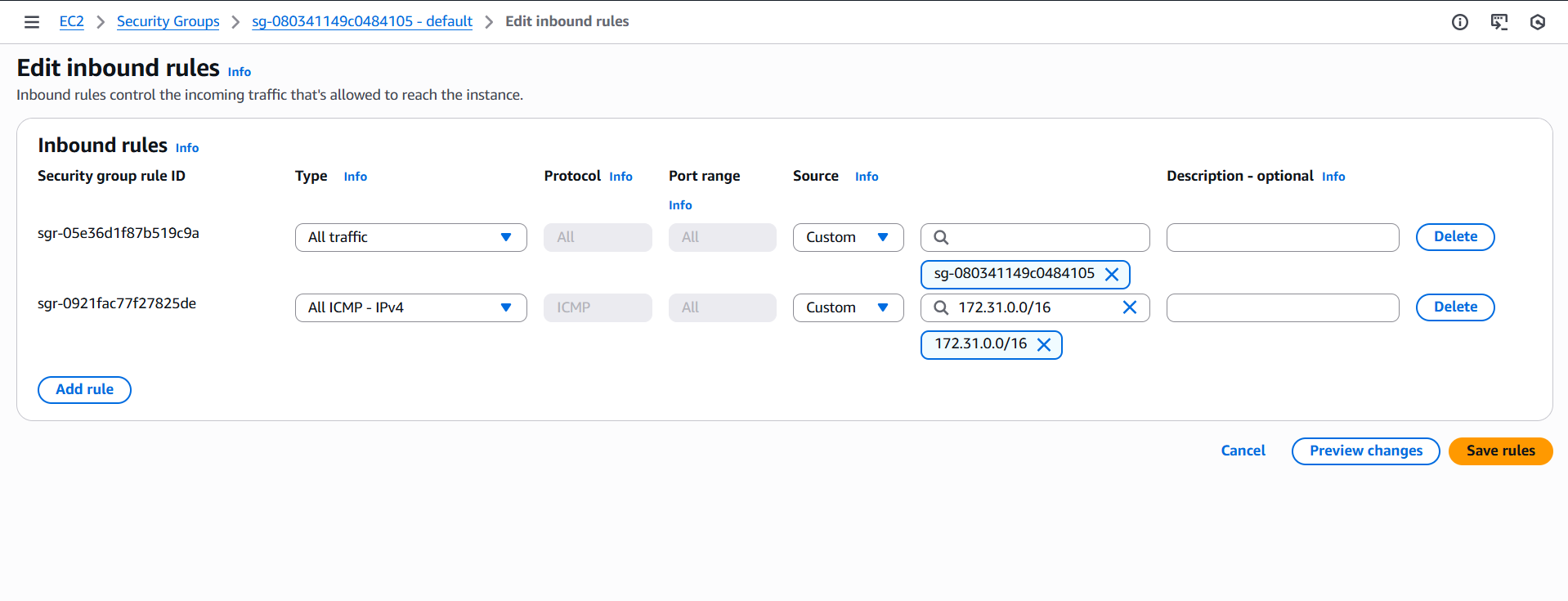
- Edit inbound rules for public instance add ssh = 22.
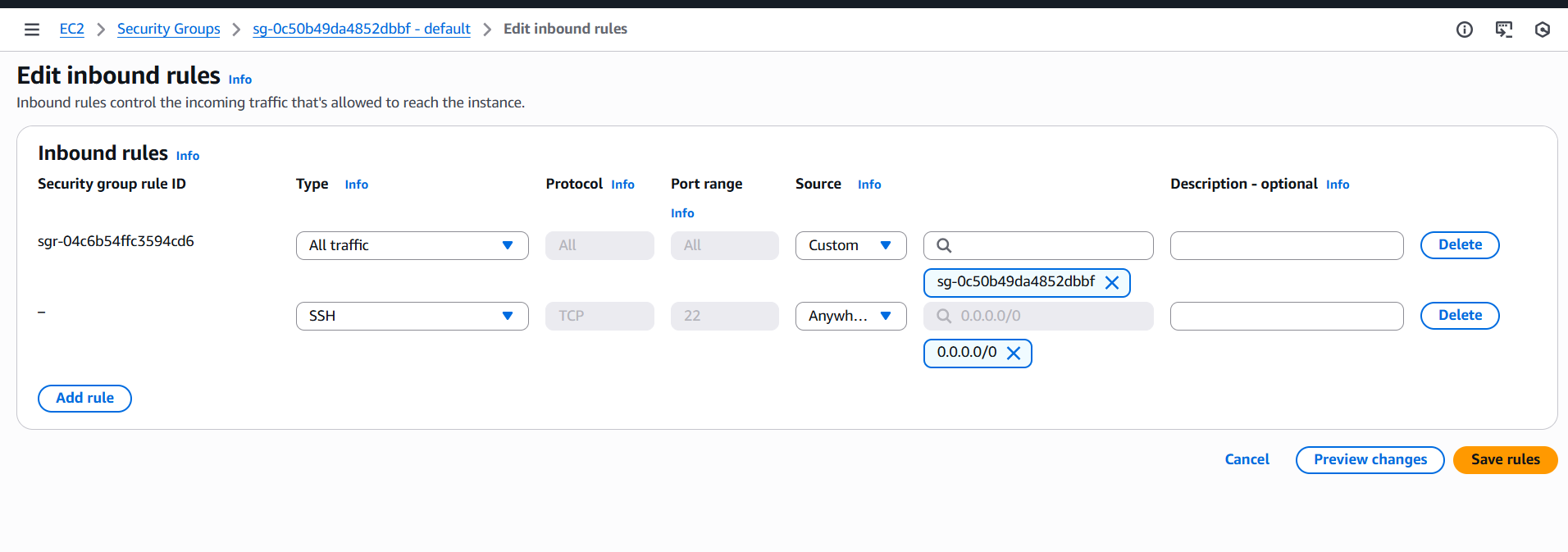
- For private instance Edit inbound rules and add CIDR of public VPC
Step 9: Copy the key to authorized_keys in ec2 instance and paste it and save.

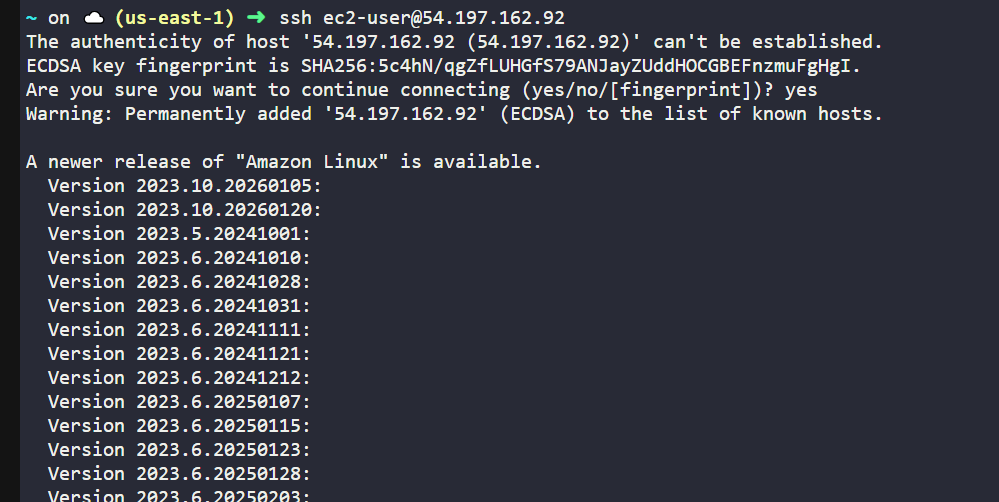
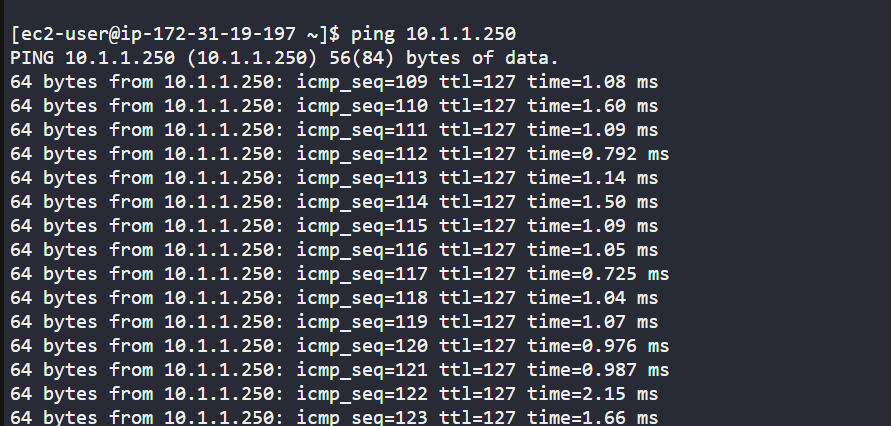
Step 10: connect to instance and test
Comments
Join the discussionNo comments yet. Be the first to comment.