Step 1: Login into the AWS environment using provided credentials.
Step 2: Go to RDS Section and select Databases option you will see existing db instance.
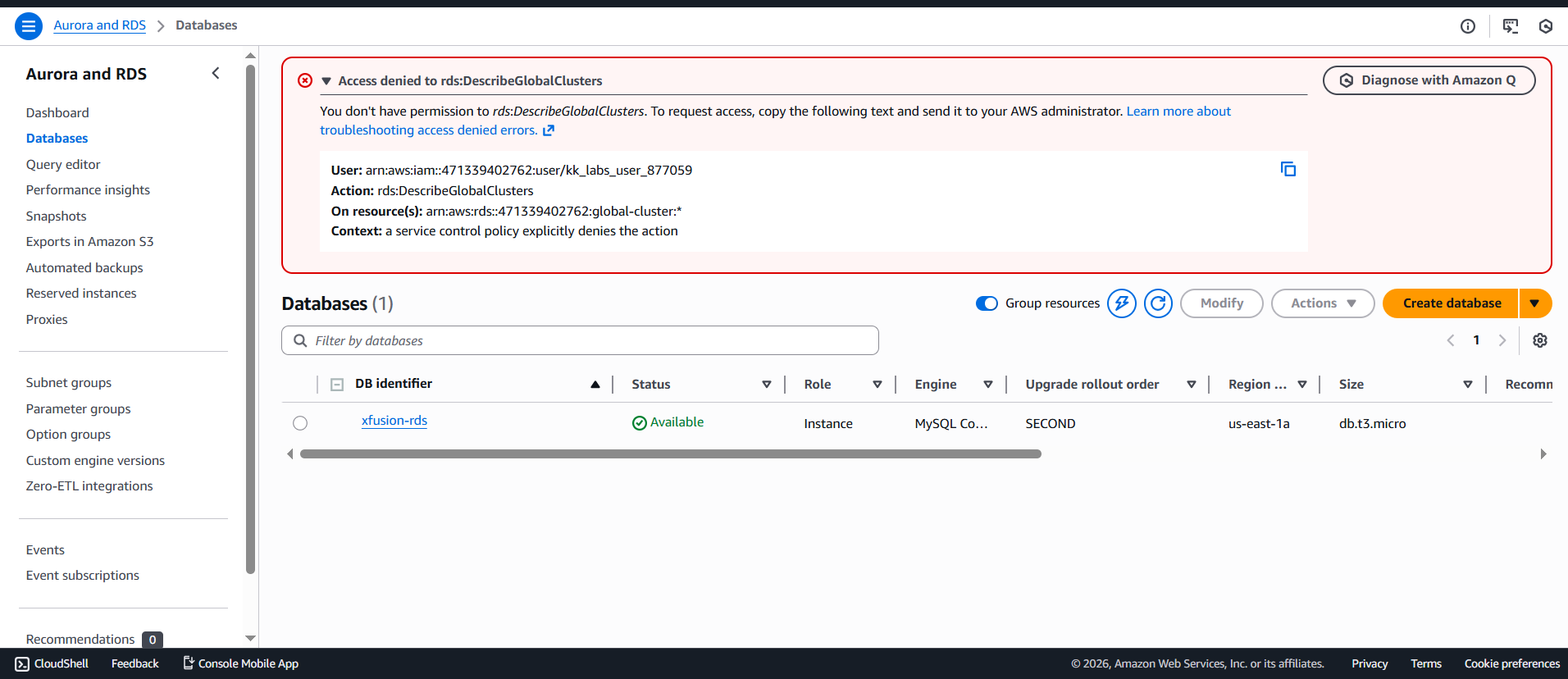
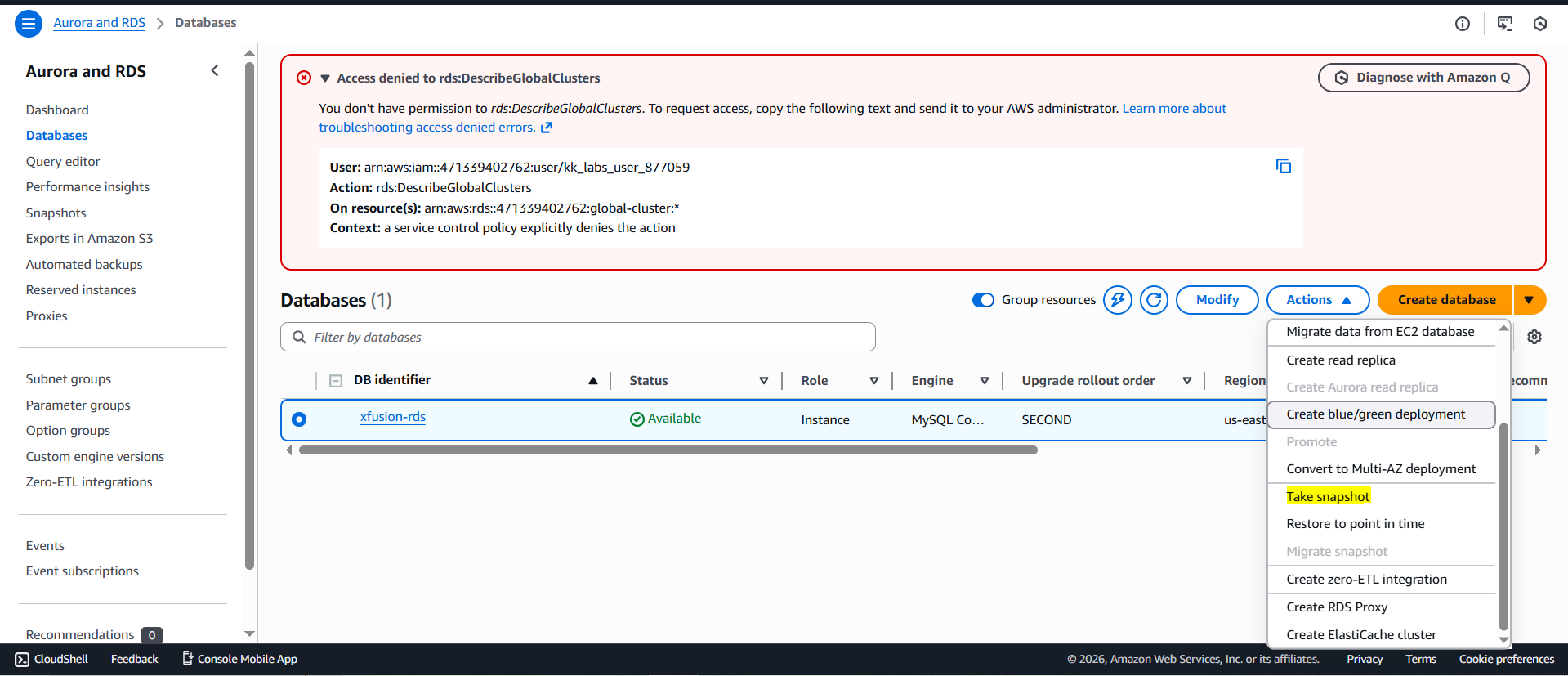
Step 3: Select it and take snapshot of the instance.
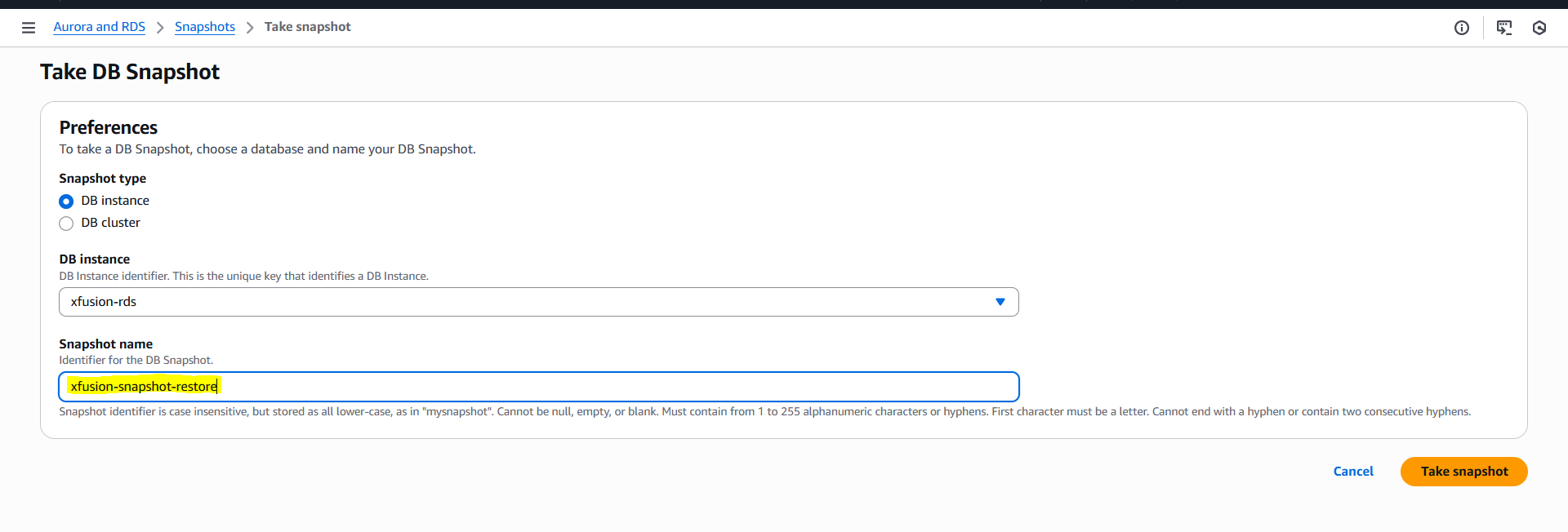
Step 4: Name your snapshot and click take snapshot.
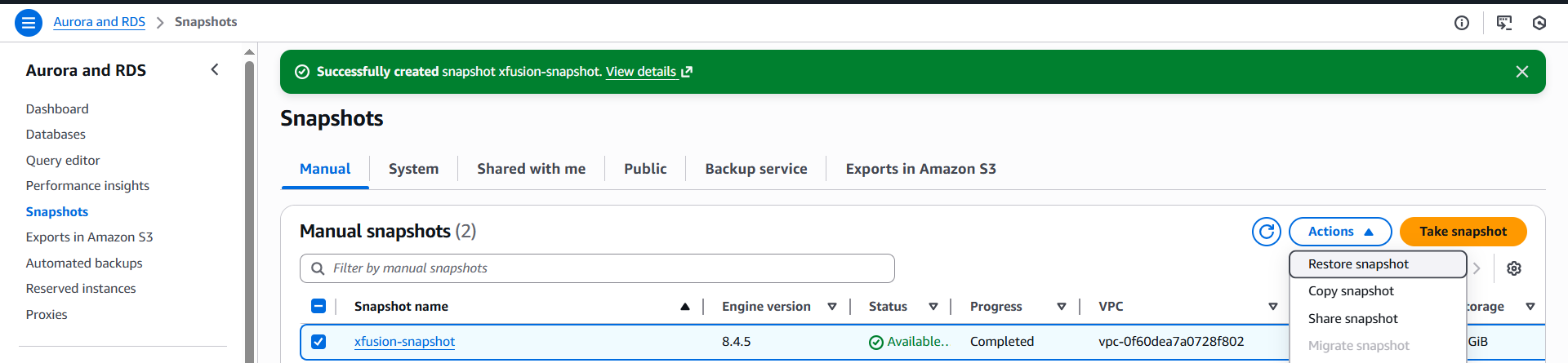
Step 5: Select the created snapshot and click Restore snapshot option.
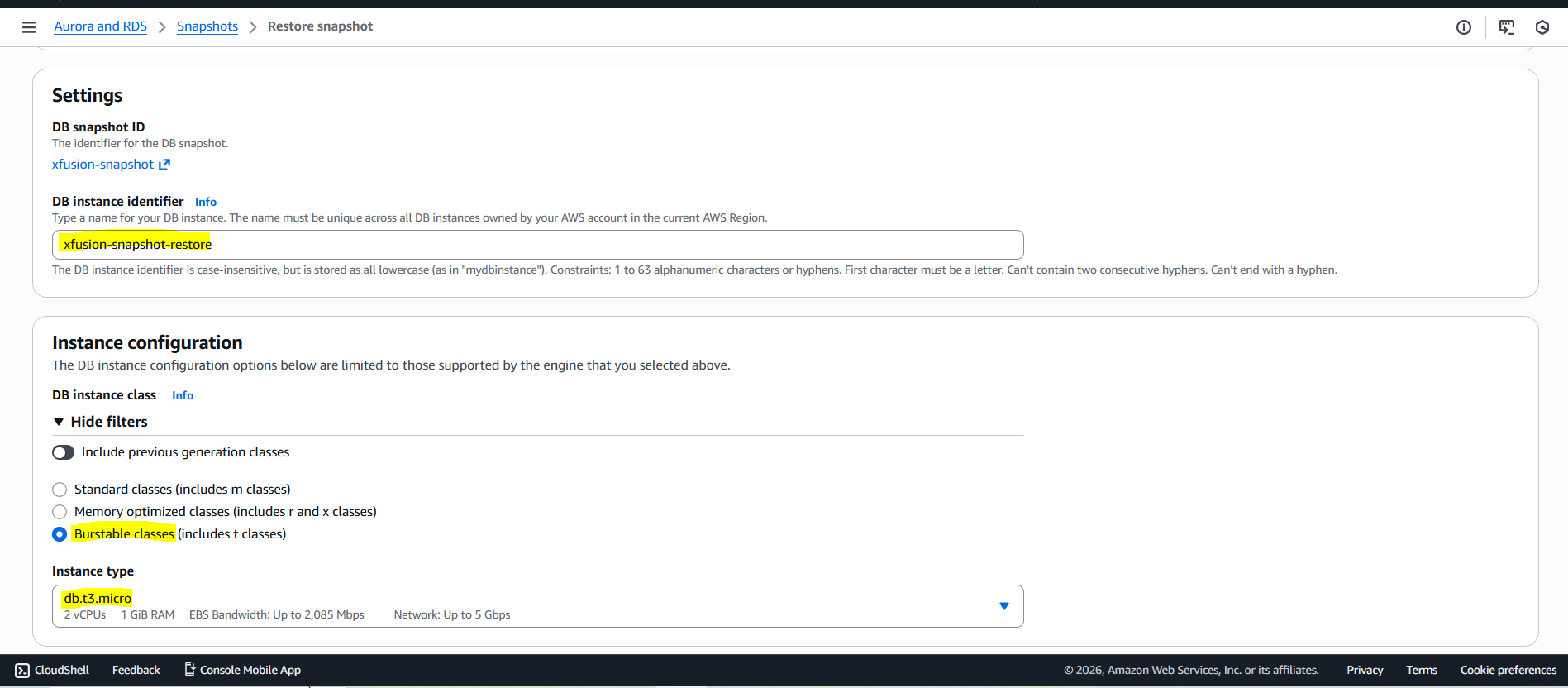
Step 6: Name the restore instance and and the generation class of the instance shown below.
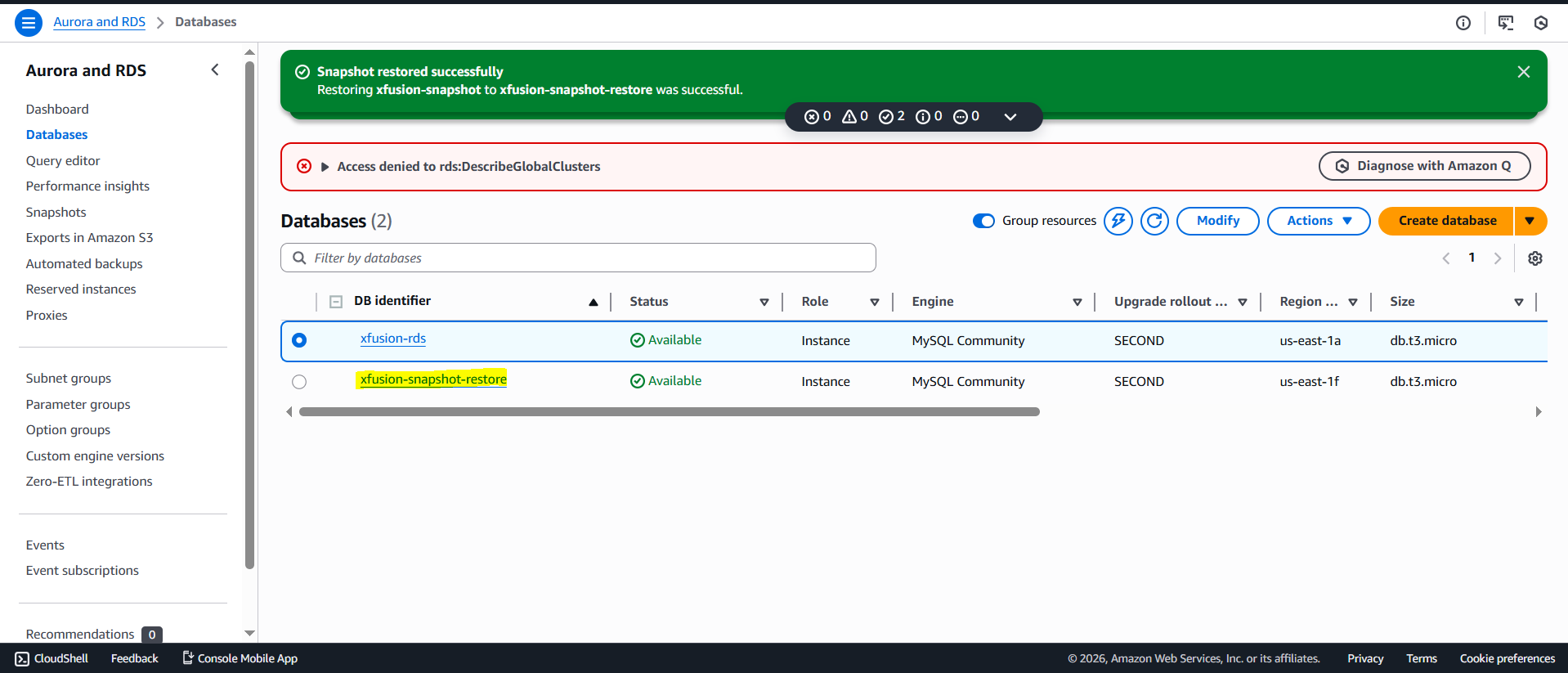
Step 6: Verify the instance is created from snapshot.
Comments
Join the discussionNo comments yet. Be the first to comment.