Step 1: Login into the AWS environment using provided credentials.
Step 2: Go to EC23 Section and try to check the url is working or not using ip.
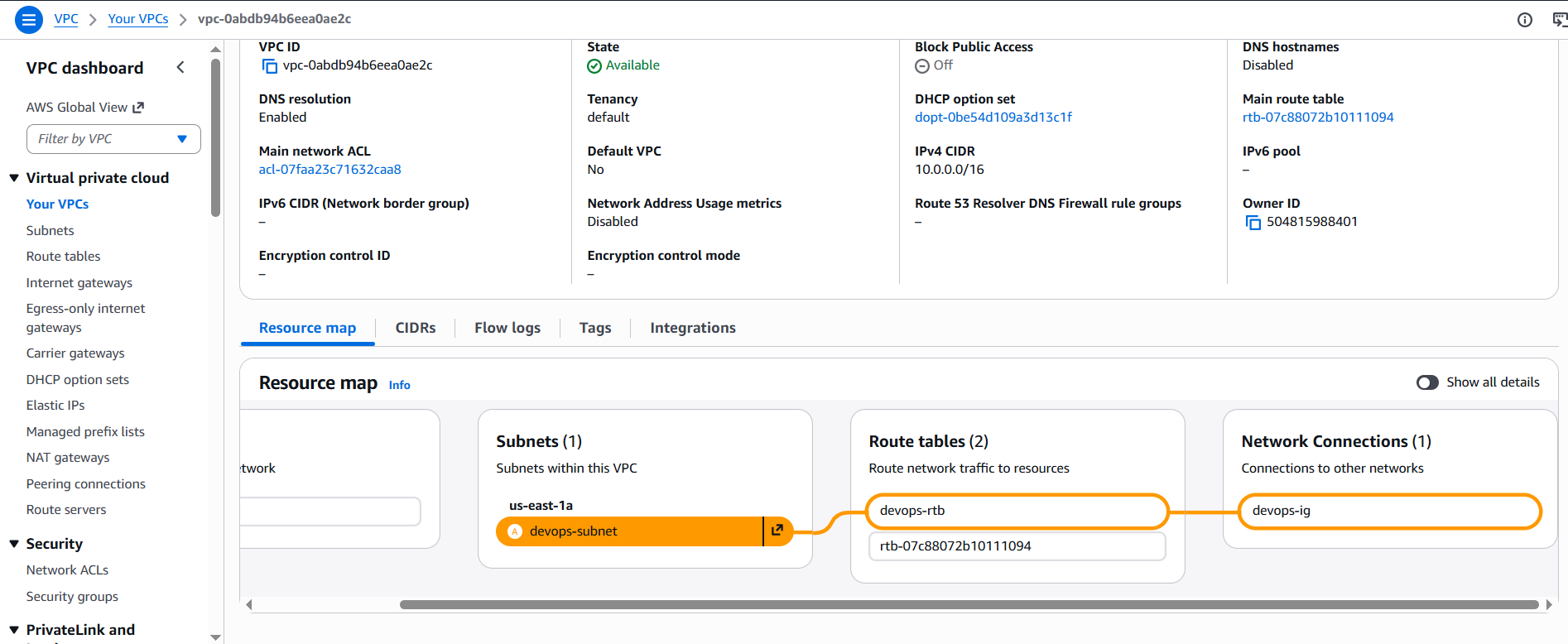
Step 3: Got to VPC section and select route tables.
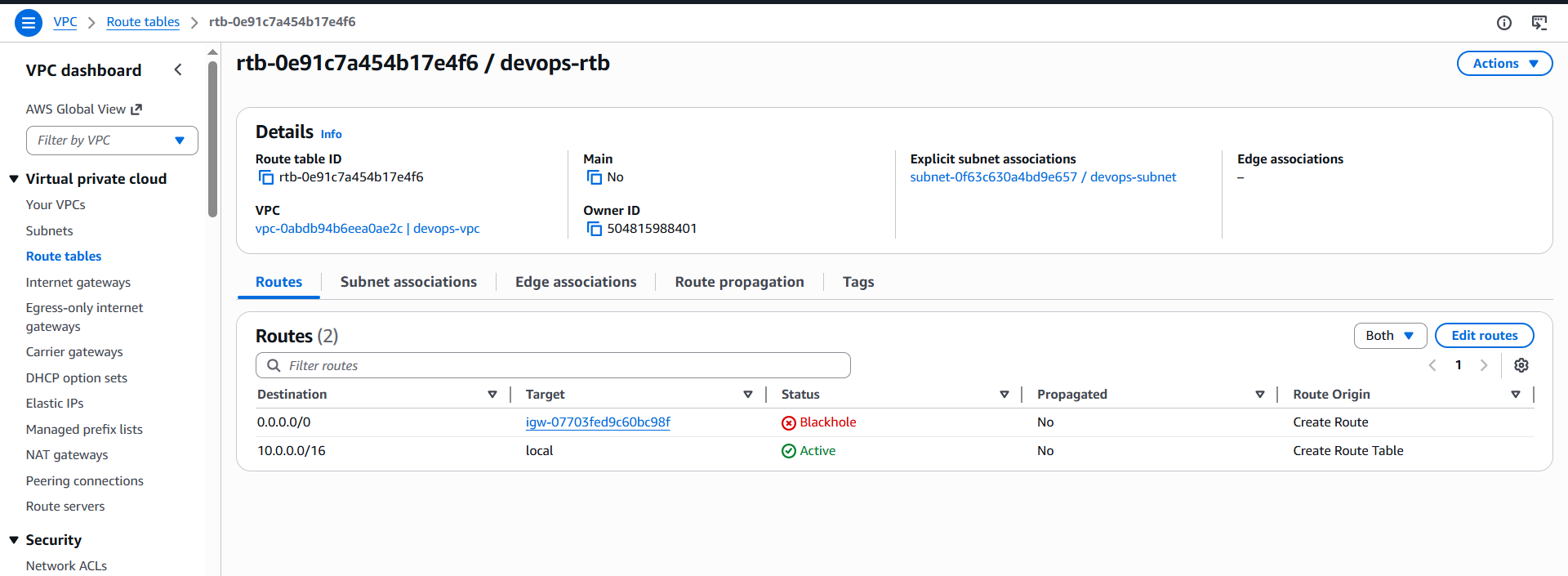
Step 4: Got to internet gateway and check if attached or not.
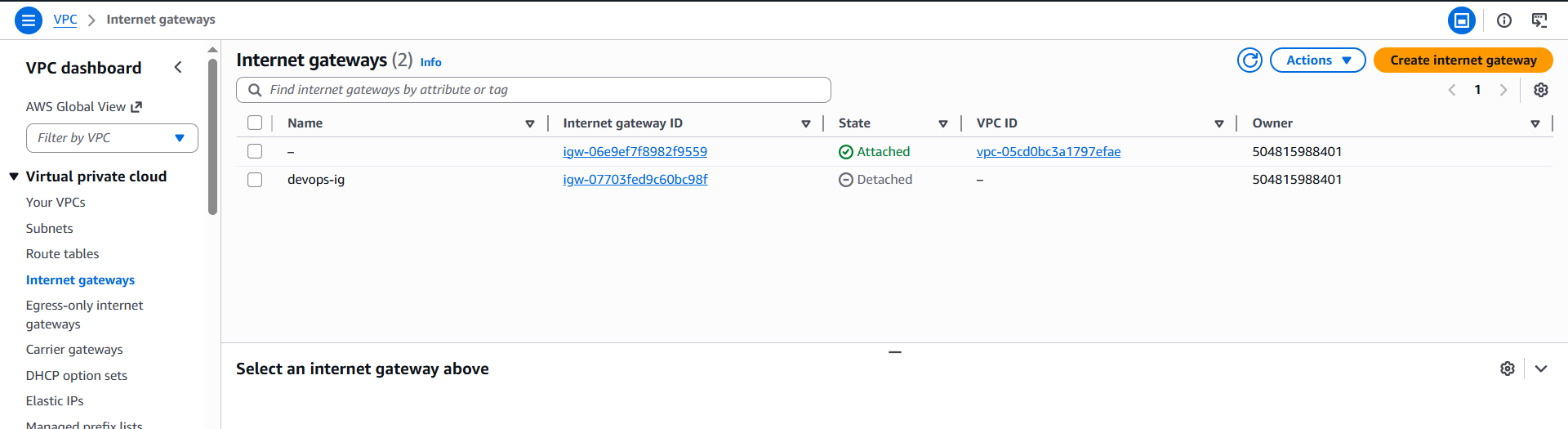
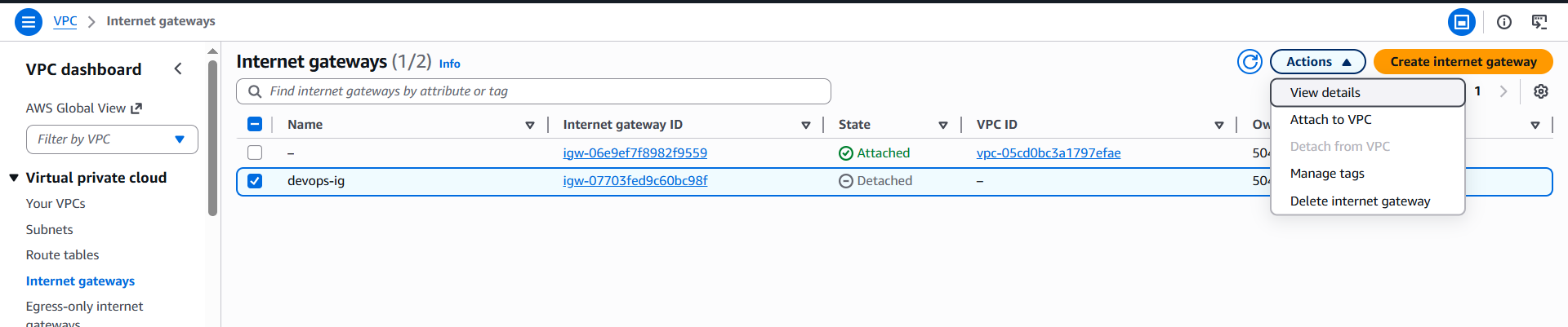
Step 5: If not attached then attach to VPC.
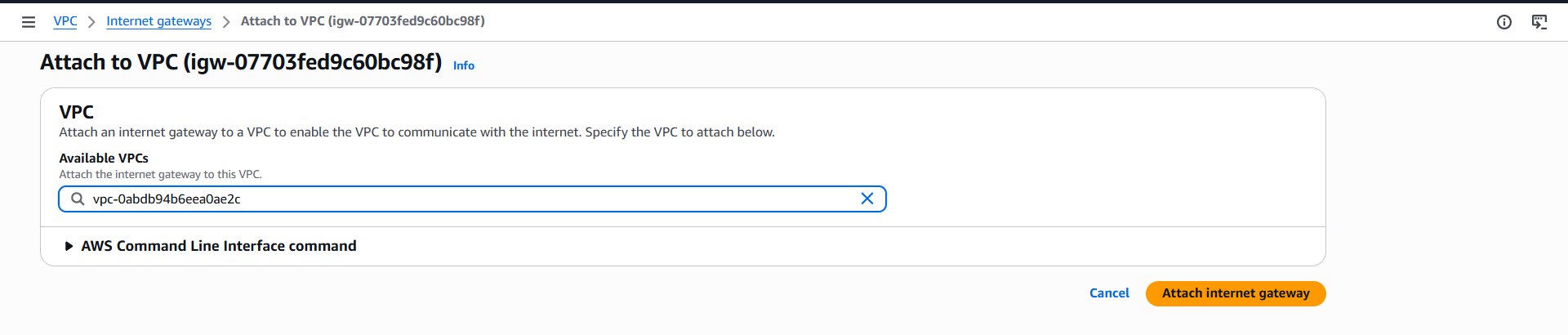
Step 6: Select the VPC for internet gateway.
Step 7: Verify the association.
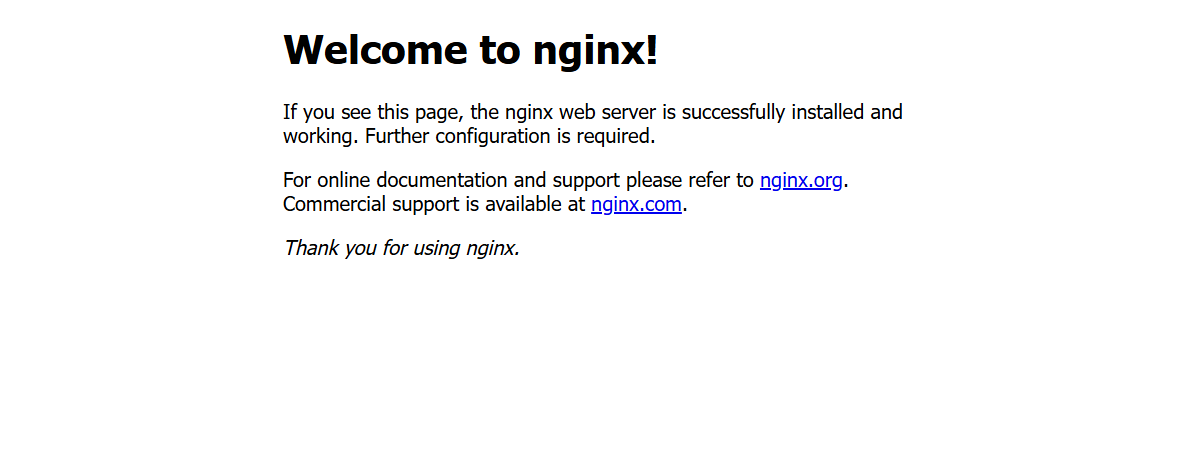
Step 8: Check if url working.
Comments
Join the discussionNo comments yet. Be the first to comment.